
Introducing Collaborative Boxes
A shared space for teams, chats, and AI.
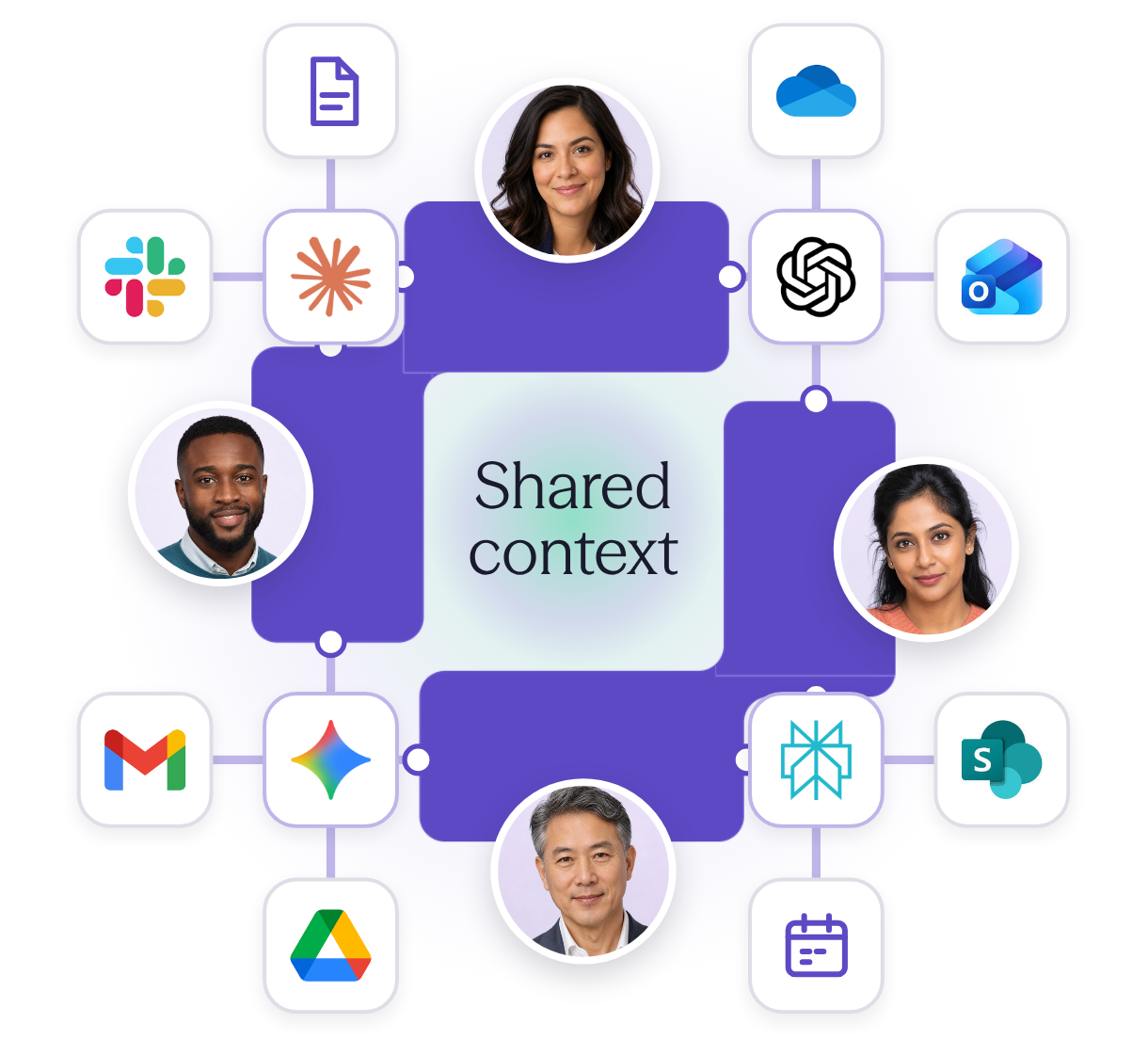
Stop explaining AI over and over again. A Collaborative Box is a shared workspace where people, documents, and AI work from the same context, so one person’s idea becomes a team’s project.
What’s a Box?
Now in beta
One idea becomes a team’s project.
Most AI is a private conversation that disappears when someone closes the tab. A Collaborative Box (a Box, for short) is a shared workspace where one person’s idea becomes a team’s project, whether that’s a campus committee or a client launch. Seed it with context, invite your team, and every chat knows what the others are about. That’s Collab: collaborative intelligence in action.
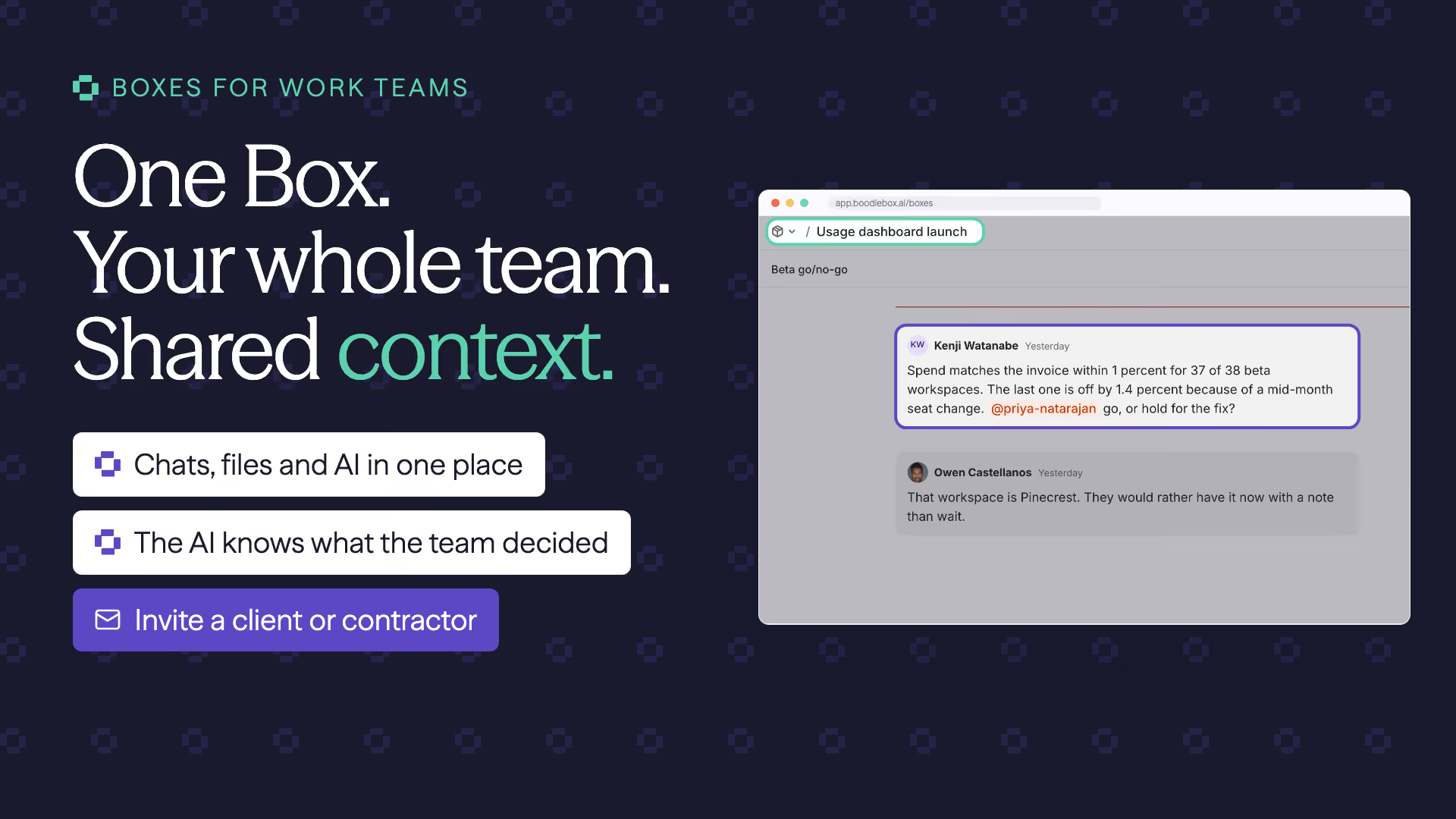
Chats, files, and AI in one place
Every chat knows what the others are about
You choose who's in
Find your use case
Preview how Boxes could work for you.
Pick your field, then the situation closest to yours.
Watch a simulated team work through real use cases using a Collaborative Box.
Your IT team is responding to an incident
Five people, five separate chats, and no shared picture of what happened.
Operations rolls out a new policy and expects pushback
One person drafts the announcement alone, and nobody asks what employees will push back on.
An MBA team works a case from four angles
Each teammate asks their own AI about the case, and the team only compares notes after the thinking is done.
DBA faculty redesign a course around AI
Each professor writes an AI policy alone, and the next professor starts from zero.
Let’s bring your use case to life.
Request a demoEvery walkthrough uses fictional people and sample data. The screens are a simulation of BoodleBox, and the model and bot names are examples.
Why collaboration
Most AI is single-player. Work is multiplayer.
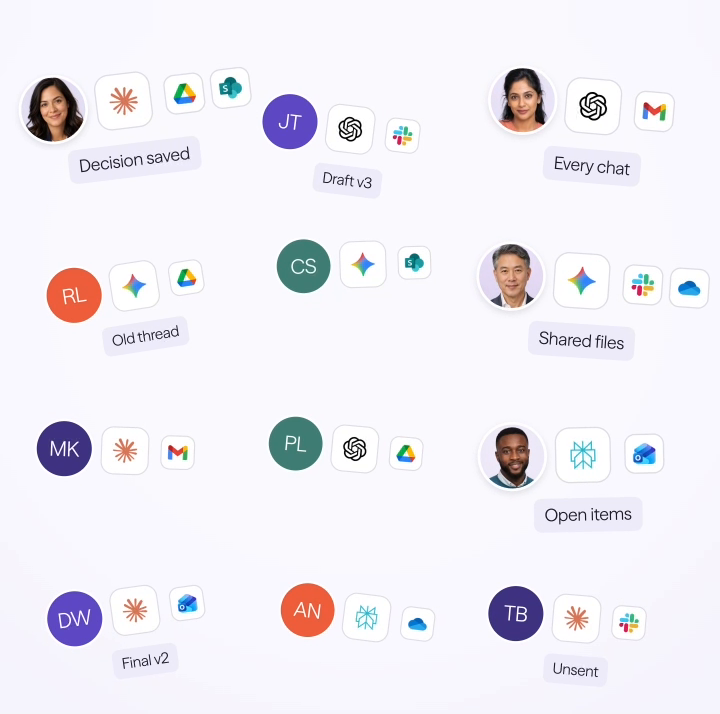
Most AI tools hand everyone a private lane: one person, one AI, one chat, and whatever you can fit in the window before you close the tab.
Most AI tools
One person. One AI. One chat. Gone tomorrow.
A Collaborative Box
Many people. Any leading model. One shared context that’s still there tomorrow.
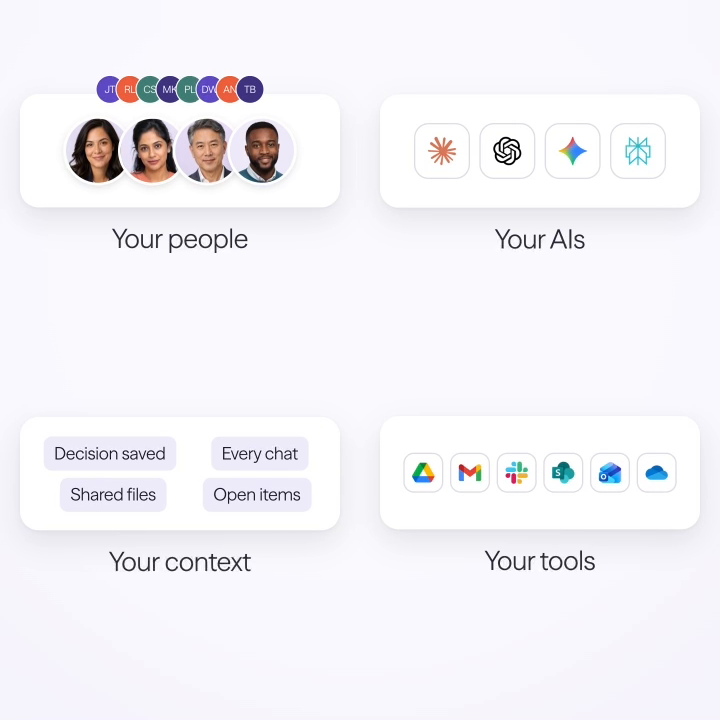
Most AI tools give teams a place to start together. A Box is a place to work together.
In practice
“Where are we, and what’s left?”
A teammate joins a project that’s already underway and asks that one question. The Box answers with the decision, the debate behind it, the drafts waiting for approval, and the work still open. Nobody re-explained anything, because the context lives in the Box, not in anyone’s head.

“Context that has to be shared was never really shared — it was forwarded.”
France HoangCEO & Founder, BoodleBox
Read the full story: The Collaborative Harness →Trust
Private by design.
Sharing context shouldn’t mean giving up control. In a Box, you decide who’s in, and everything else stays private.
Nothing is shared without your permission
Chats and documents stay private unless you choose to share them.
You control access
Restricted, your organization, or anyone with the link. You can remove access at any time.
Never used for training
Your data never trains AI models, and our model providers are contractually required to delete inputs and outputs after 30 days.
Independently verified
SOC 2 Type II, HIPAA, GDPR, and FERPA compliant.
Questions about Boxes
How do I start a Box?
Create a Box and give it a name, so the work has a home. Add instructions (the standards every AI in the Box follows) and knowledge (the files everyone works from). Invite your team: only the people you invite, your whole organization, or anyone with the link. Then ask in any chat. Every chat draws on the whole Box, so teammates and models build on each other’s work.
Can I try Boxes for free?
Yes. Create a free Basic account to start exploring Boxes. If you’re exploring for your team, request a demo and we’ll show you a Box built around your use case.
How many people can join a Box?
Teams have run Boxes with hundreds of people. We recommend dozens.
Does a Box remember everything?
Yes. A Box keeps everything in it, and every chat in the Box can draw on it. How well it recalls depends on what’s in the Box, so a varied set of materials works better than many near-duplicates.
Can I use more than one AI model in a Box?
Yes. Bring in a second model with an @-mention and ask it to check the first one’s work. Every model sees the same Box context, so there’s nothing to re-explain.
Can I connect Slack, Google Drive, or other tools?
MCP Connectors let a Box work with live information from tools like Slack, Google Drive, and Gmail. They’re available now on Power licenses, and we’re working on campus and premium plans. Request a demo to see how they could work for your team.
What can I export from a Box?
A Box can create Word documents, Excel files, Markdown files, and interactive HTML pages, so you can share finished work with people who aren’t in BoodleBox.
I’m already a customer and need help. Where do I go?
The BoodleBox Help Center has guides and answers for using Boxes and everything else in the platform.
Visit the Help CenterWebinar recordings
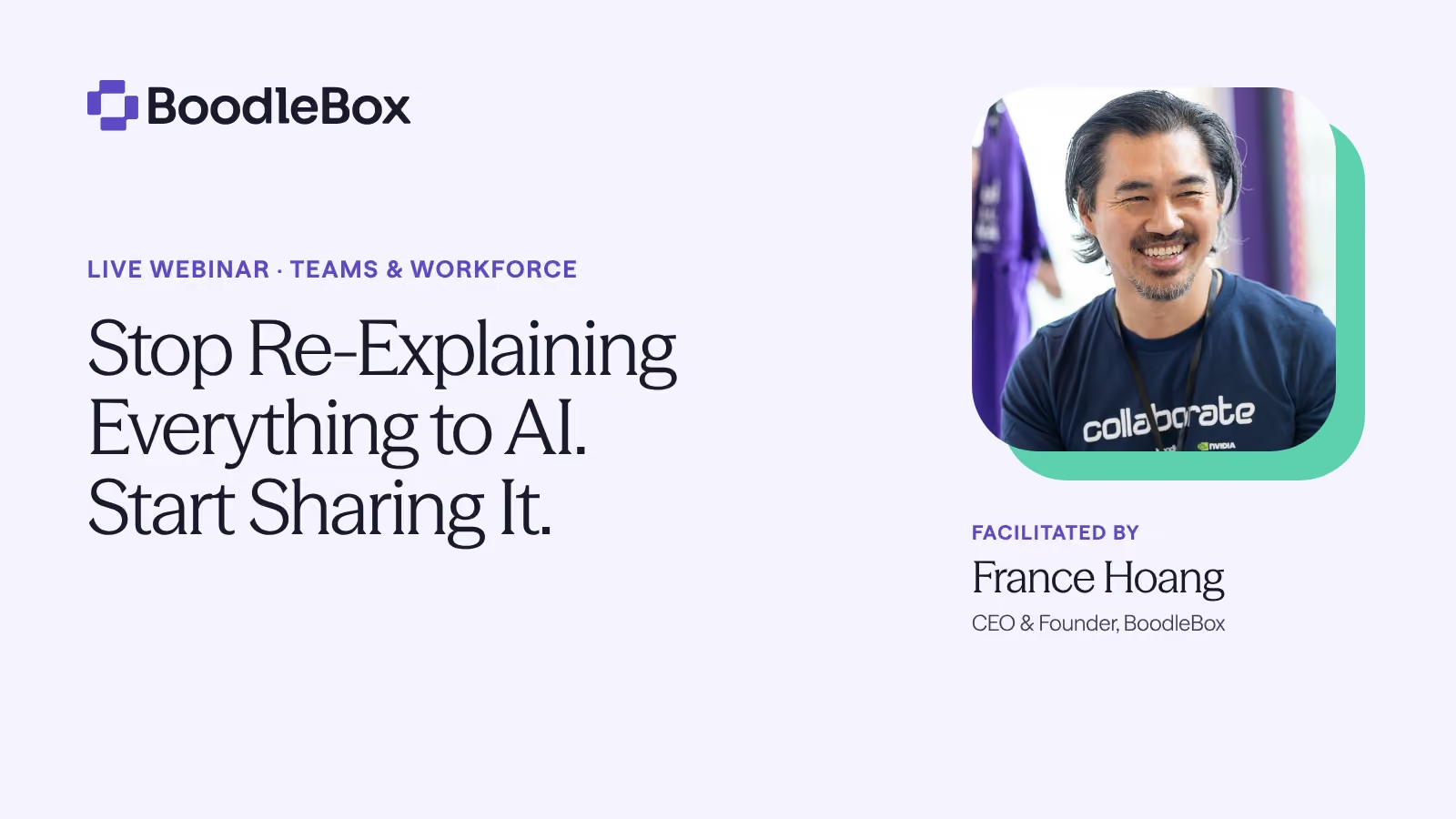
Prefer to watch? See a full session.
Each recording includes a live demo of a Box and the audience Q&A.
See it with your team
See what your team can do in a Box.
The best way to see what a shared Box can do is to see it with the people you work with. Request a demo and we’ll walk through it with your team.
Get started for free →