There’s no time to waste. Jump right in and make some magic!
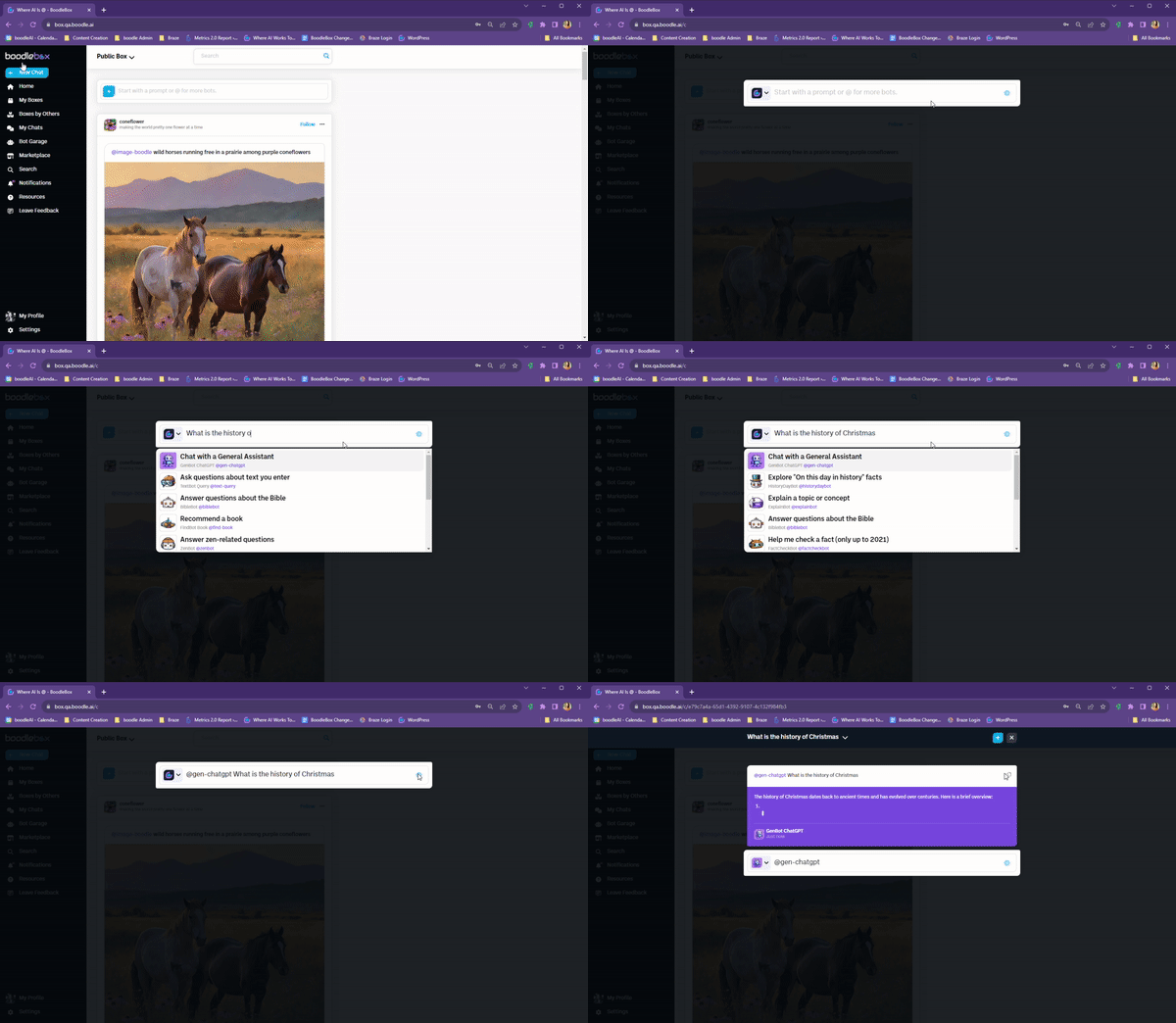
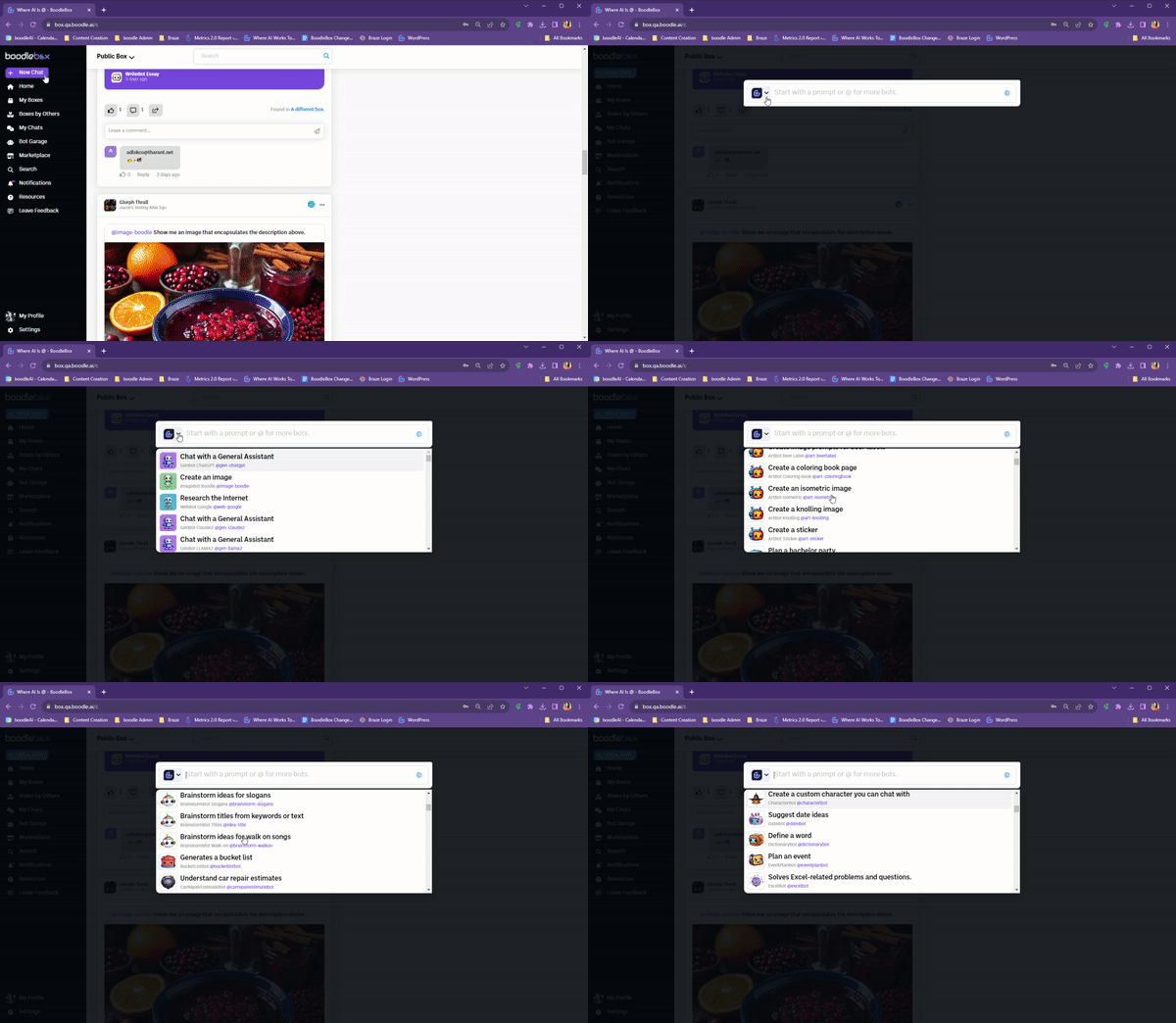
You can click on the boodle avatar in the chat to see bot choices. Scroll using your mouse or the arrow keys. Select a bot by hitting Enter or clicking on it. Type a prompt then hit Enter or click Send.
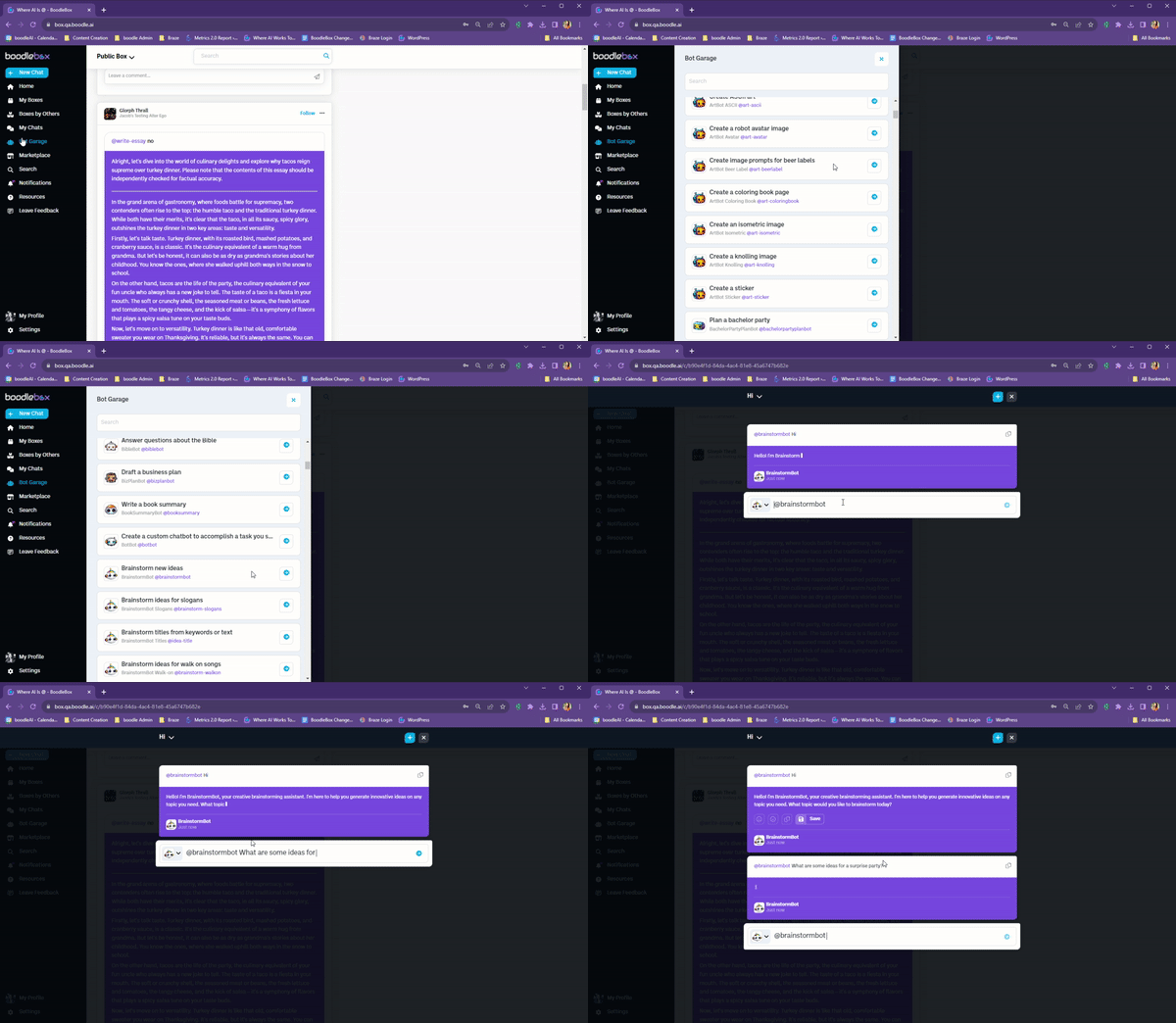
You can click on the Bot Garage to see bot choices. Scroll using your mouse or using the arrow keys ⬆⬇. Select a bot by hitting Enter ↵ or clicking on it. Then hit Enter ↵ or click Send to launch the bot to have it prompt you.
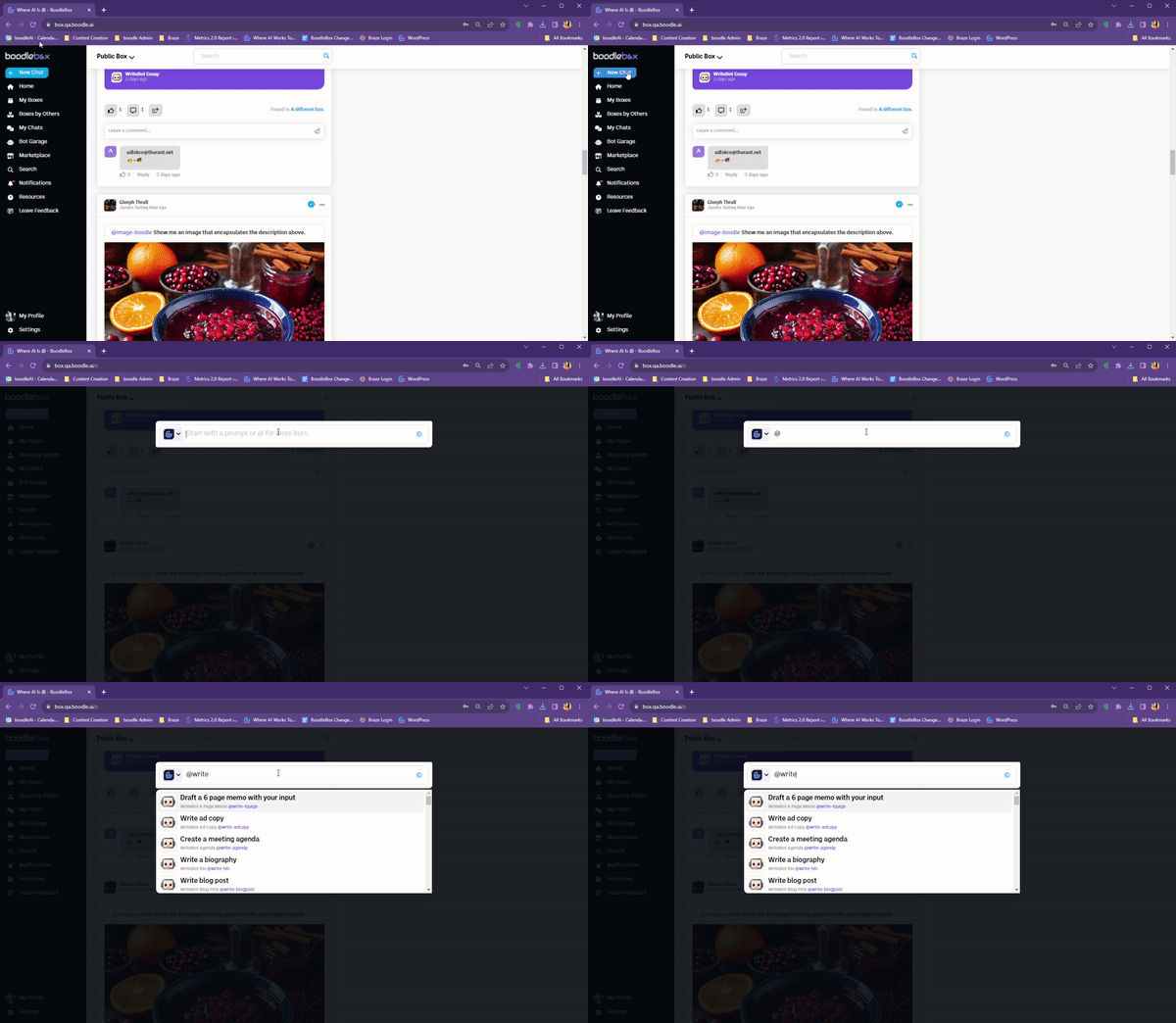
Start a chat and type @ to see all the bots. Type additional letters to filter the bots by name. Scroll using your mouse or using the arrow keys ⬆⬇. Select a bot by hitting Enter ↵ or clicking on it. Then, hit Enter ↵ or click Send again to launch the bot to have it prompt you.
Learn more about the ins and outs of the BoodleBox workspace from our team of experts.
Schedule a meetingLooking for more information?